
Obtain the GlobalTranz Credentials to its Legacy API
If you’re an existing GlobalTranz customer that will be connecting to the legacy API, email apisupport@globaltranz.com to request your GlobalTranz API Access Key. In the email, include your GlobalTranz account number and make it clear that you are requesting the “API Access Key” for your account.
If you don’t have a GlobalTranz account number and want to connect the app to the GlobalTranz API, call 866.275.1407 to request an account.
Connect the application to the API.
Click on Add account if you are adding the GlobalTranz (Legacy API) integration for the first time from the All Providers page. If it was added previously, click its Connection Settings link.
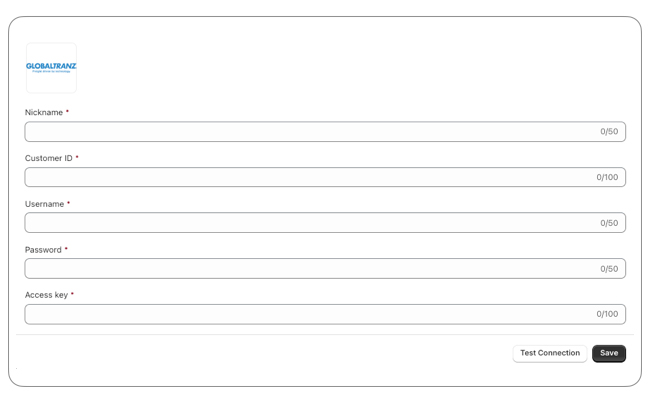
The Connection Settings page is used to establish the app’s connection to GlobalTranz’s web services.Enter the information prompted for. Click the Test Connections button to confirm your API credentials authenticate successfully. An alert will appear on the page to inform you if the connection test was successful or failed. If the connection fails, correct the credentials and try again.
| Customer ID | Enter your account number for the selected API. |
| Username | Enter the username you use to log into GTZship. |
| Password | Enter the password associated with the username entered above. |
| Access Key | Enter the API Access Key you obtained in earlier in these instructions. |